
Card details never reach us
Guests enter their card on PayTR's secure page. An order is confirmed only by a verified payment, and an order that is not paid is cancelled by itself after 15 minutes.
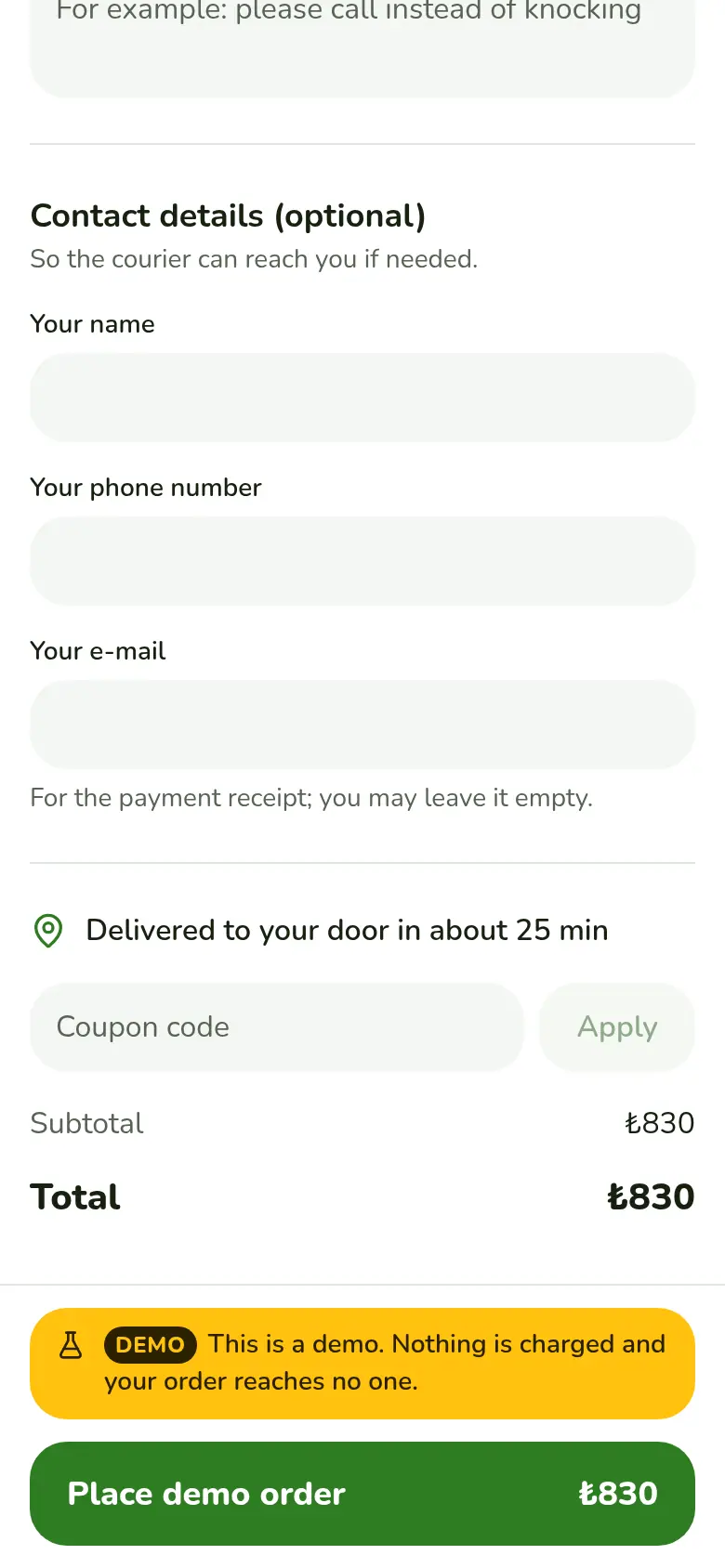
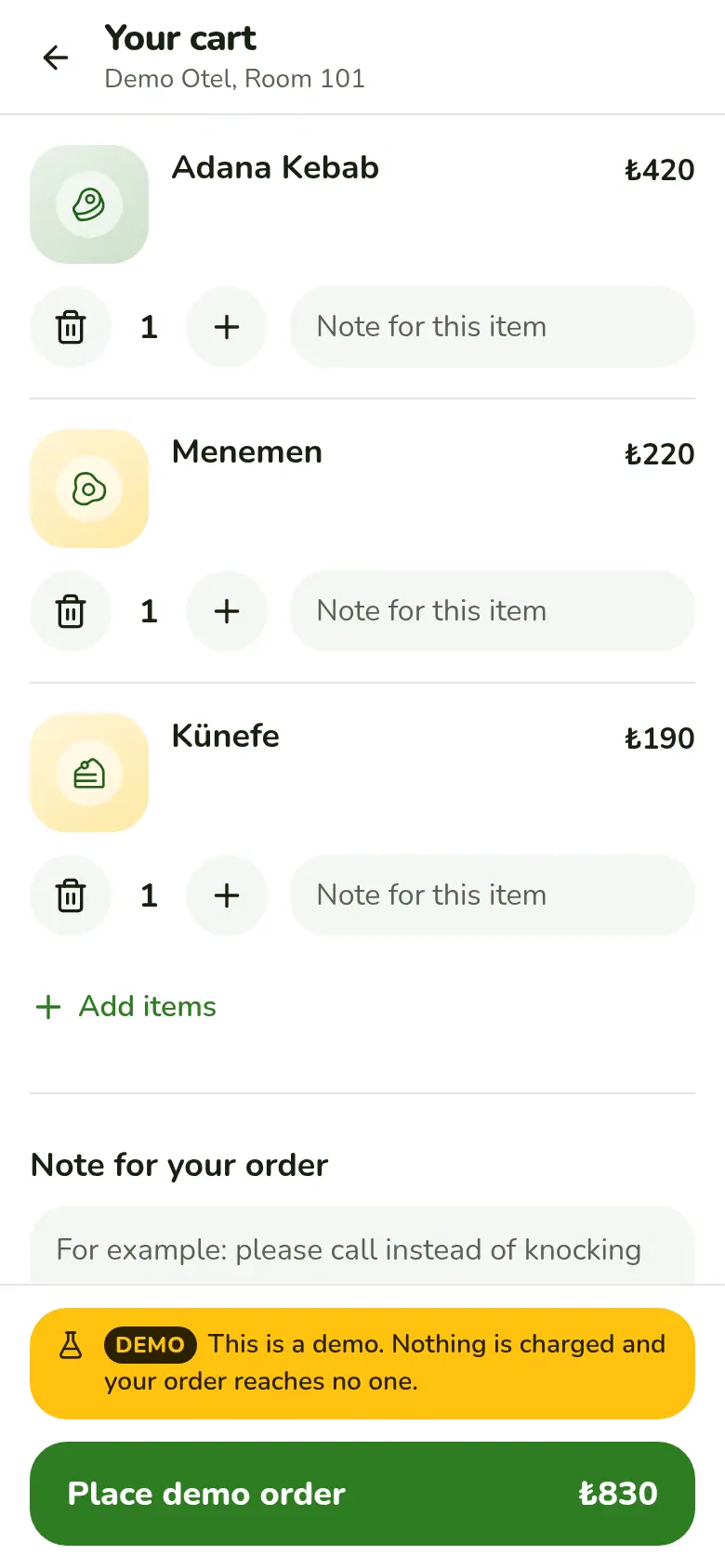
How is payment protected?
- The card goes to PayTR
- Card details are entered on PayTR's secure page. They never reach EatHub servers and are not stored.
- Verified payment
- A payment does not count until PayTR's signed notification verifies it. The page the guest returns to confirms no order.
- Prices are set on the server
- The total is worked out from the menu on the server. A price sent from the phone is ignored.
- A 15 minute window
- There are 15 minutes to pay. An unpaid order never reaches the kitchen and is cancelled when time runs out.
How a payment runs
Contract approval
In the cart the guest reads and approves the pre-information form and the distance sales contract. Payment does not start without it.
Card entry
The guest enters the card on PayTR's secure page. There is no cash payment at the door.
Verification
PayTR reports the result with a signed notification. If it is late, EatHub asks PayTR for the status. The amount is checked against the order, and if the same notification arrives twice the order is processed once.
It reaches the kitchen
A verified order lands on the board. The receipt and team notification go out as you have set them.
Full and partial refunds from the panel
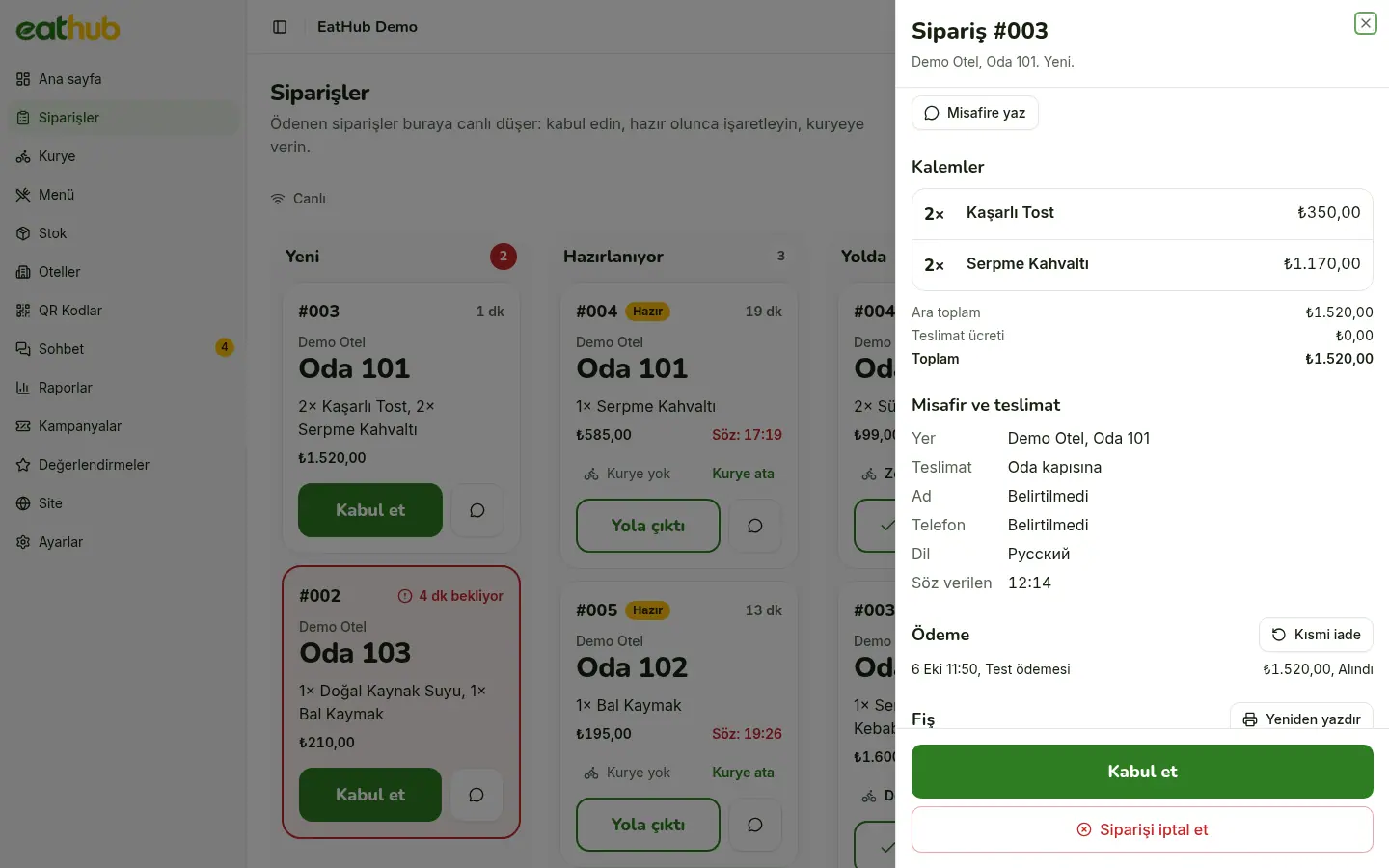
When you cancel a paid order, the remaining amount is refunded to the card automatically. If one item went missing, you refund only its price with a partial refund.
- Only the Owner and Manager roles can make a partial refund
- A failed refund shows as a red warning on the order detail
- Every refund is written to the audit log
Coupons and campaigns
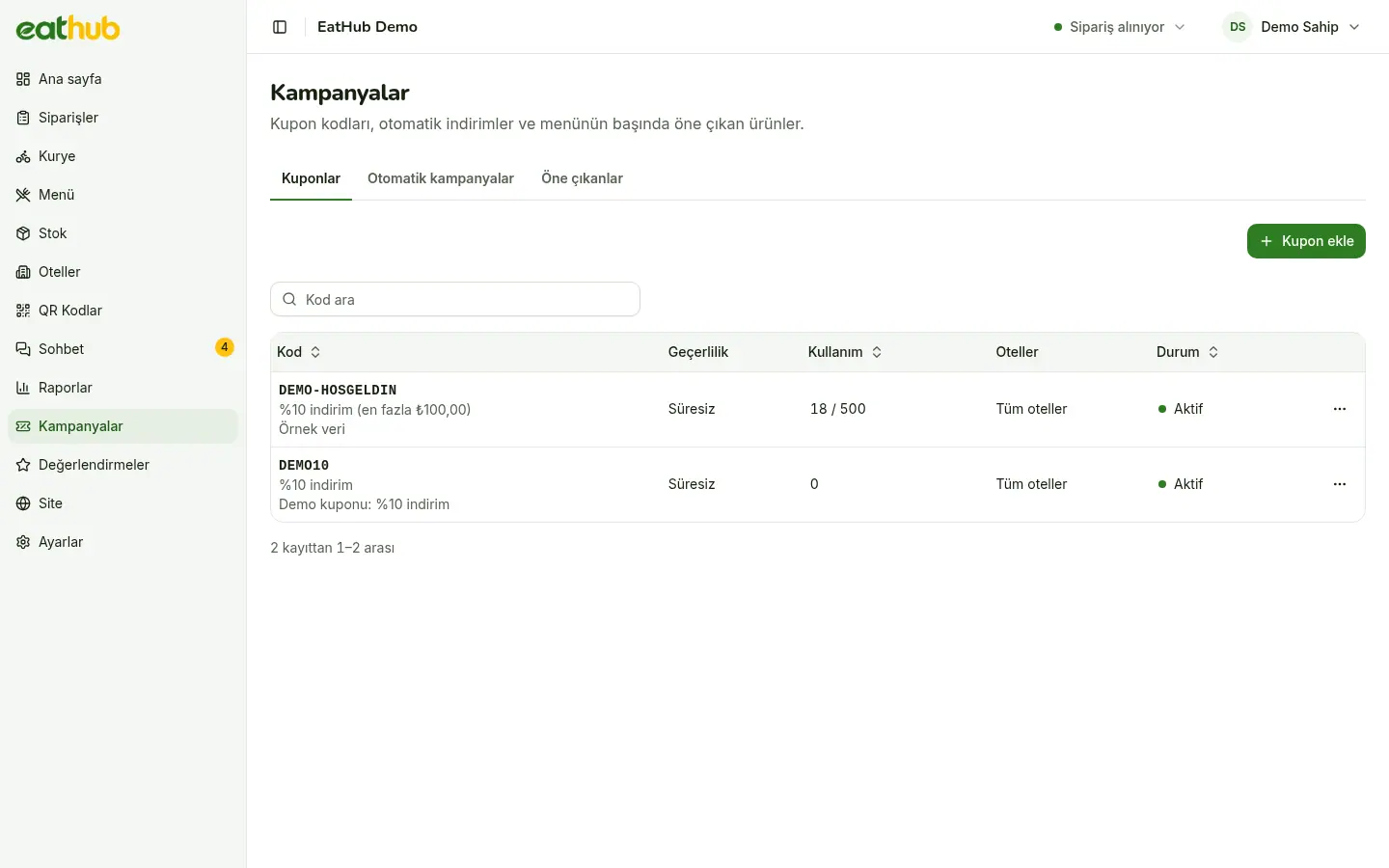
You create coupons with a percentage or amount discount. First order, happy hour and free delivery campaigns run by themselves. The cart and the order use the same calculation, so the total a guest sees is the total they pay.
- Coupons have a minimum amount, a usage limit and a limit per room
- Happy hour runs on a weekly schedule
- One discount applies, whichever gives the guest more; free delivery applies on top
Follow payments from the panel
- The status of the PayTR connection and the latest notifications, in settings
- The notification address for your PayTR panel, ready to copy
- A connection check with one button
- Every exchange with the provider is logged; keys and signatures stay out of the log
Common questions
Does EatHub store card details?
No. The card number and security code are entered on PayTR's secure payment page. They never reach EatHub servers and are not stored.
What happens to an order that is not paid?
It never reaches the kitchen. The guest has 15 minutes to pay, and when the time is up the order is cancelled by itself.
How do refunds work?
When you cancel a paid order in the panel, the remaining amount goes back to the card automatically. If an item was missing, an Owner or Manager makes a partial refund.
Can a coupon and a campaign apply together?
No. Of the coupon and the automatic campaign, the one that gives the guest more applies. Free delivery applies on top of it.
Let us start with your rooms
Fill in the form and we will call you to plan the setup together.