
See your revenue, settle commission with each hotel
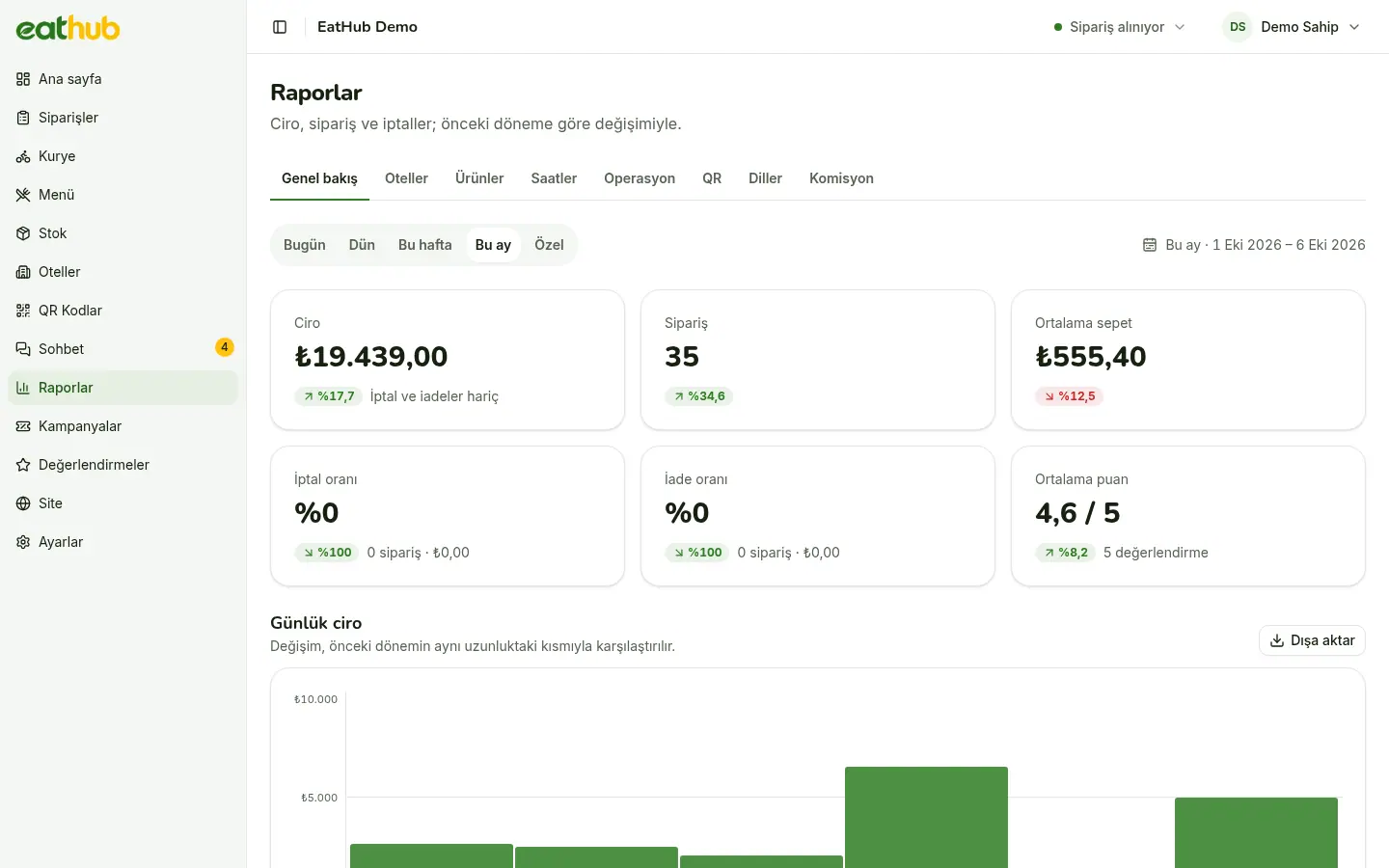
See at a glance which hotel, which product and which hour bring in what. At the end of the month, a commission statement is ready for every hotel.
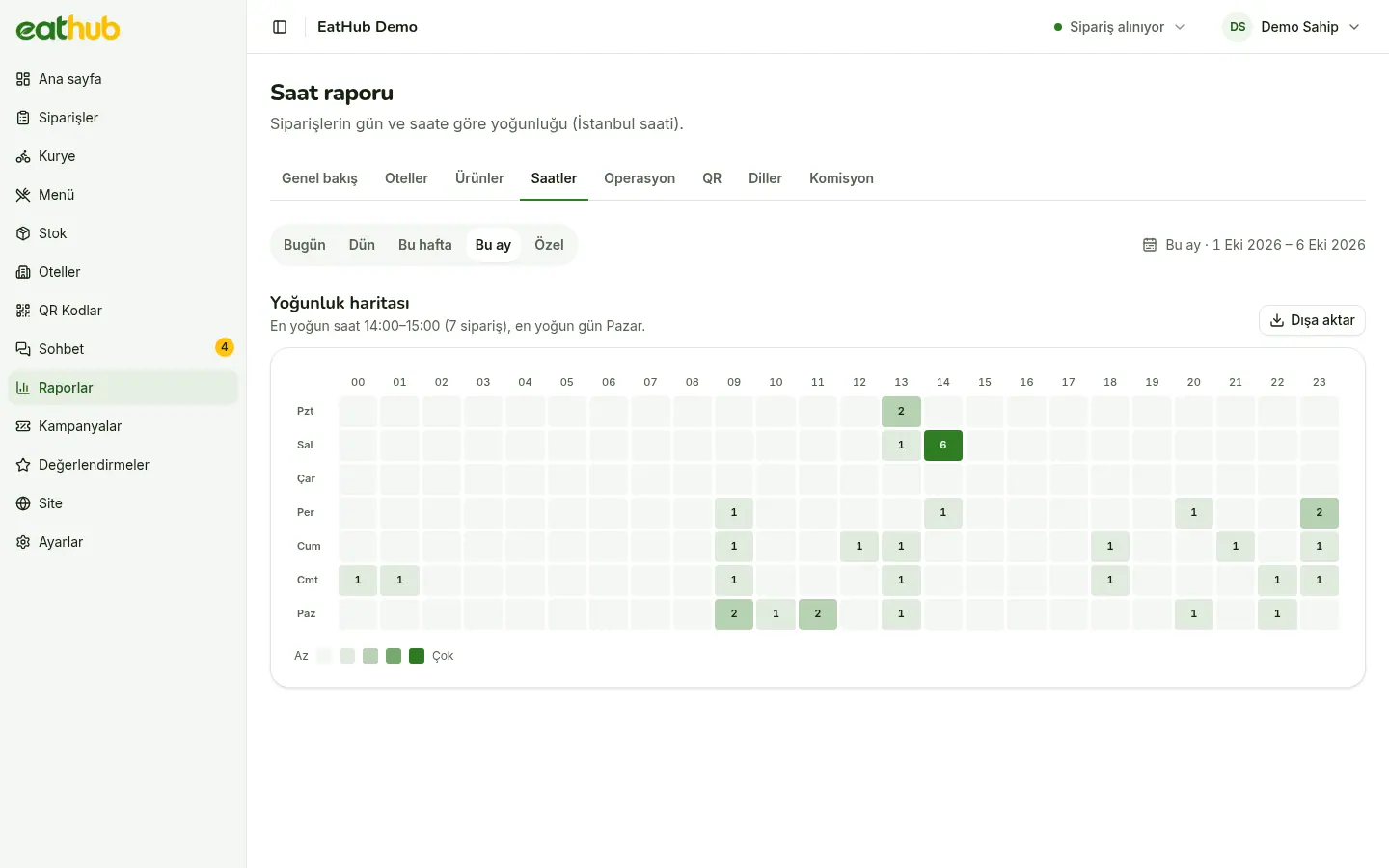
When orders come in busiest
The hours heat map shows in colour on which days and at which hours orders bunch up. You plan the kitchen, the couriers and the service hours by reading it.
- Today, yesterday, this week, this month or a range you choose
- Each period is compared with the one before it, of the same length
- Preparation and delivery times have their own report
Every figure follows one definition
The home page, the reports and the end-of-day summary use the same calculation, so the numbers agree.
- Revenue
- The value of paid orders, with partial refunds taken off; unpaid orders are not counted.
- Hotel and product breakdown
- Each hotel’s and each product’s share of revenue and orders in its own table.
- QR scans and language
- How many cards were scanned, how many led to an order, and the guests’ language split.
- Excel and CSV
- Every table downloads as Excel or CSV; test orders are in no figure at all.
A monthly commission statement per hotel
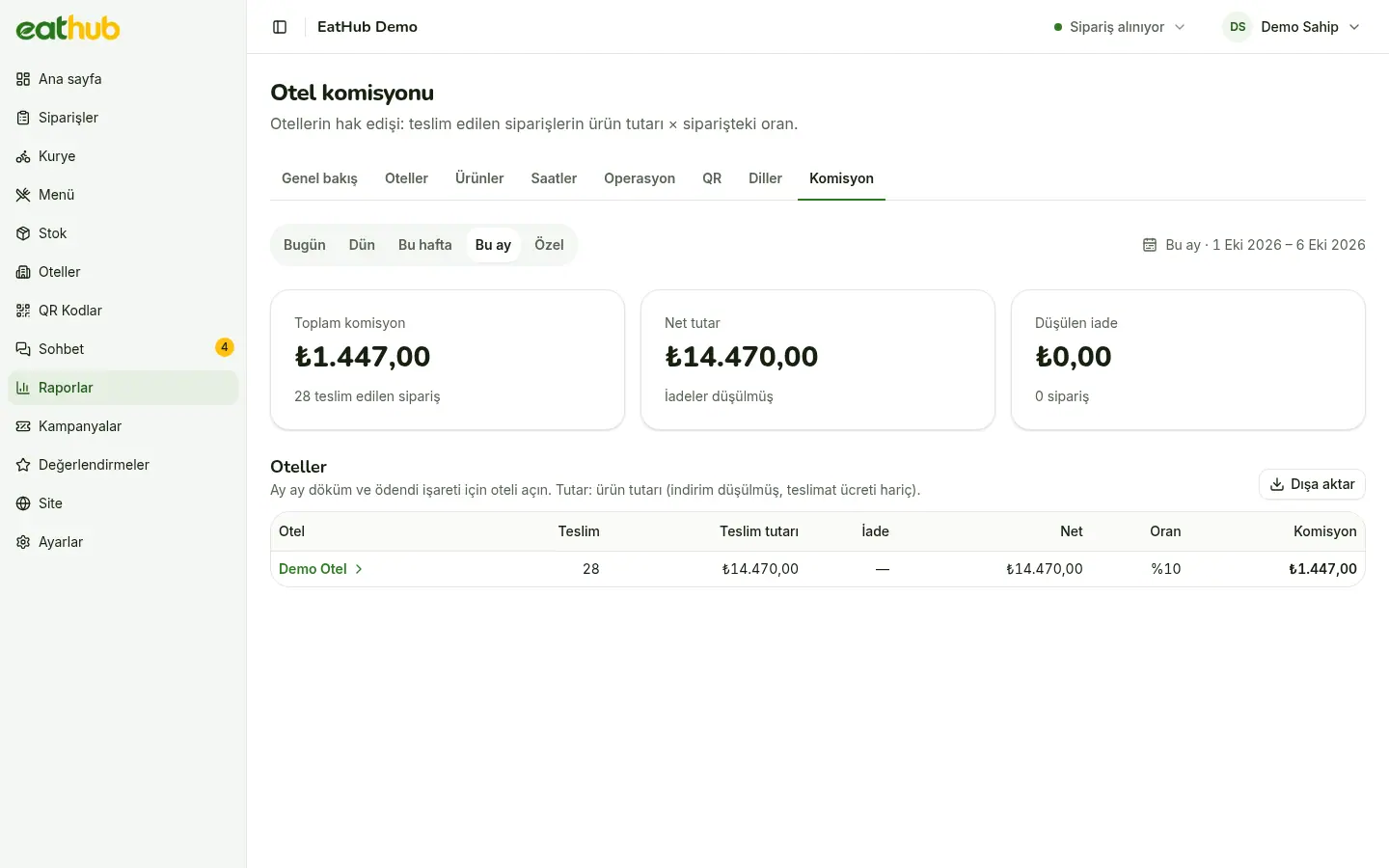
Commission is calculated on the product total of delivered orders after discounts; the delivery fee is not included. Each order carries the rate that applied when it was placed, so changing a hotel’s rate later does not rewrite past months.
- An order refunded after delivery shows as a negative line on the statement
- An order cancelled before delivery does not appear on it
- Download the statement as a PDF and show it to the hotel
Settling at the end of the month
Pick the month and hotel
The Commission tab lists each hotel’s amount for the month.
Open the statement
Check the lines and, if you like, take them as an Excel file.
Download the PDF
The statement comes as an A4 page with your logo and page numbers, ready to show or send to the hotel.
Mark it paid
When the hotel is paid, mark the month with a note; the amounts at that moment are kept.
The rate is set hotel by hotel
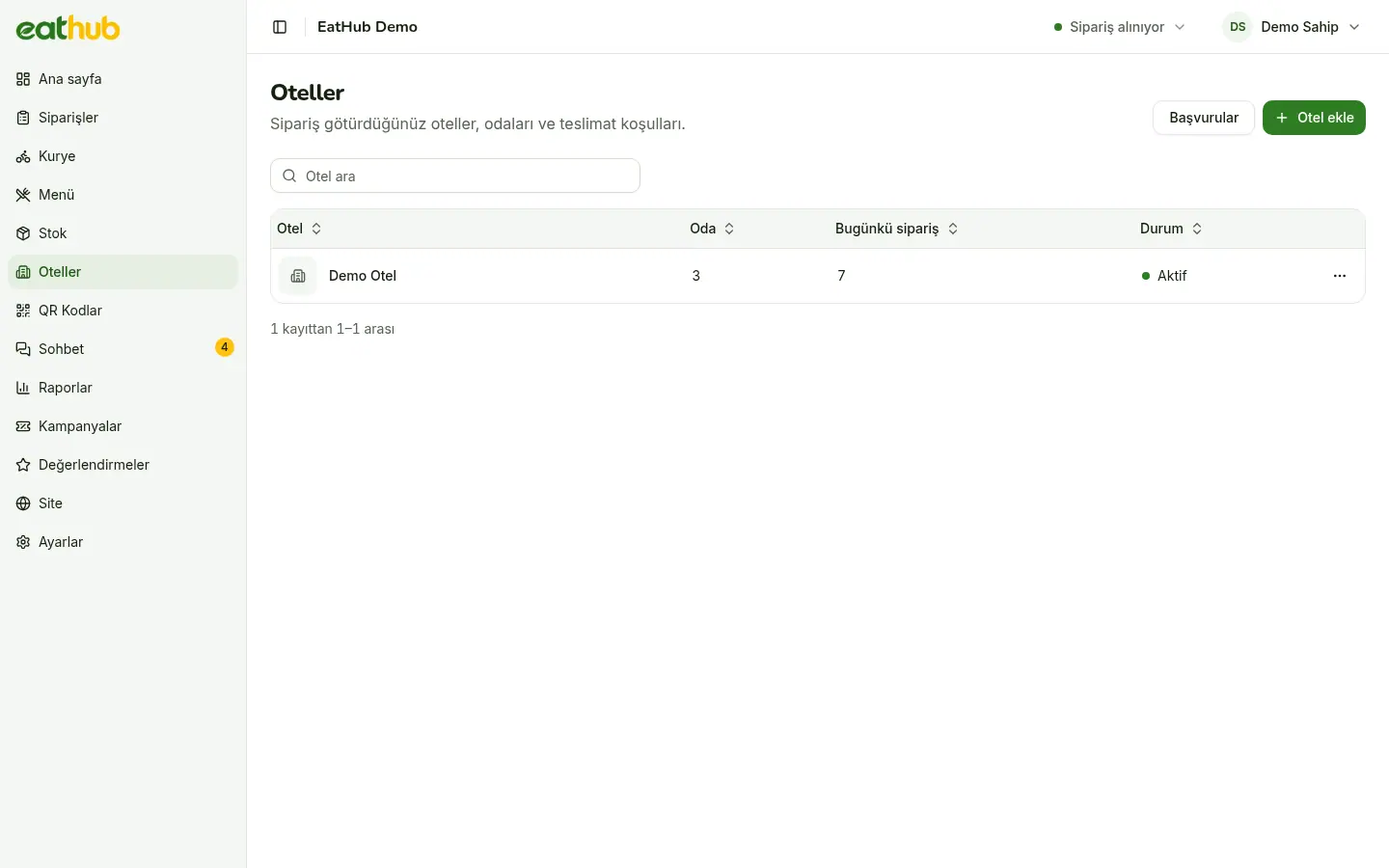
The commission rate lives on the hotel record, set per hotel like the price difference. Hotels have no panel, so a hotel that wants to see the figures looks at its statement.
- The rate is a percentage and can differ from hotel to hotel
- If the amounts of a month marked paid change later, the statement shows the difference
Settle with the hotel on solid figures
The statement comes out the same way every month, so you talk in figures rather than in guesses.
Common questions
Do test orders count in the reports?
No. Test orders are left out of revenue, commission, order counts and the average rating.
What amount is commission calculated on?
On the product total of delivered orders after discounts; the delivery fee is not counted. The rate is the hotel’s rate at the time the order was placed.
How does the hotel see its commission?
Hotels have no panel of their own. You download the statement as a PDF and pass it to the hotel.
Can I export the figures to Excel?
Yes. Every report table downloads as Excel and CSV; the Excel file has your logo and formatted amounts.
Let us start with your rooms
Fill in the form and we will call you to plan the setup together.