
Restaurant food to your hotel room
Scan the QR card in your room with your phone, read the menu in your own language and place your order. There is no app to install and no account to make.
- No app
- No account
- Secure payment
- Pay on delivery
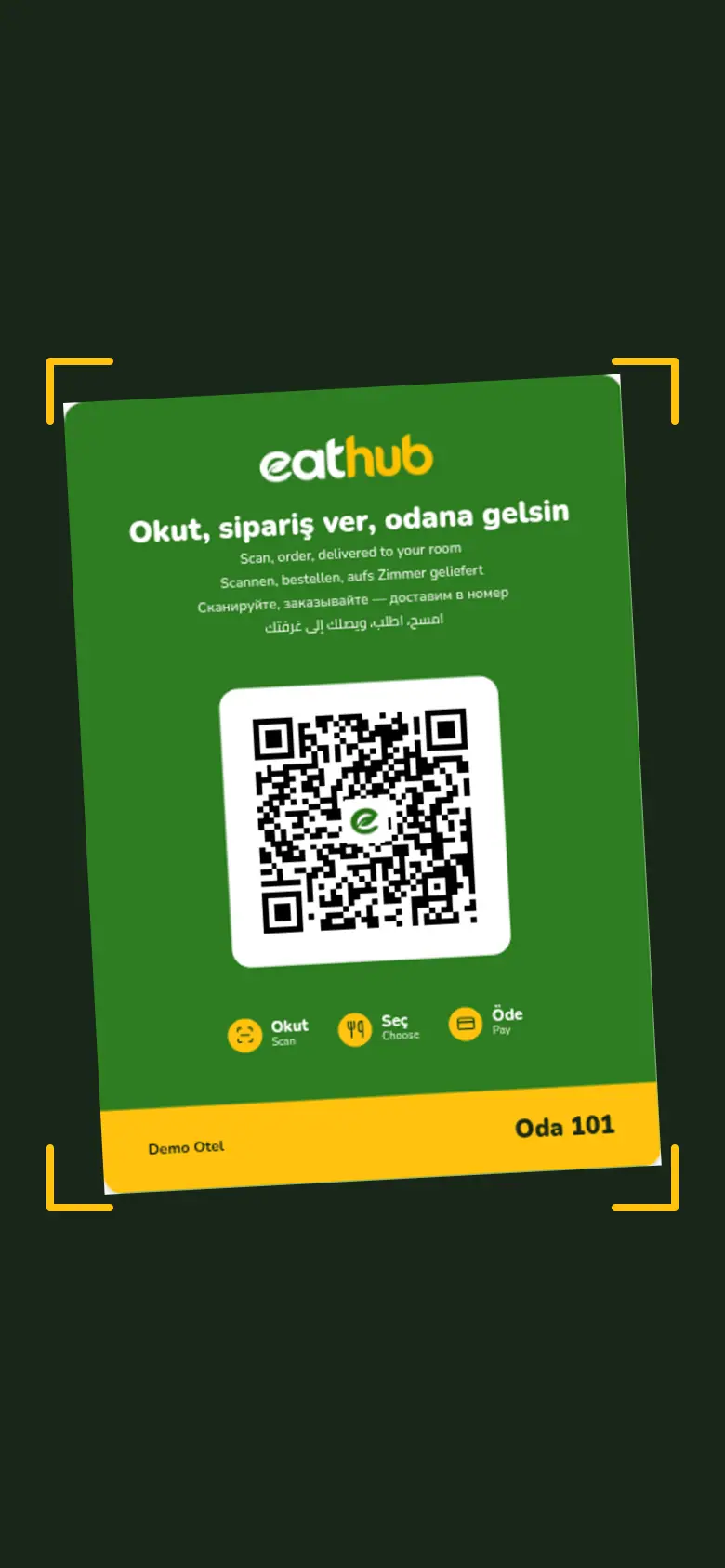
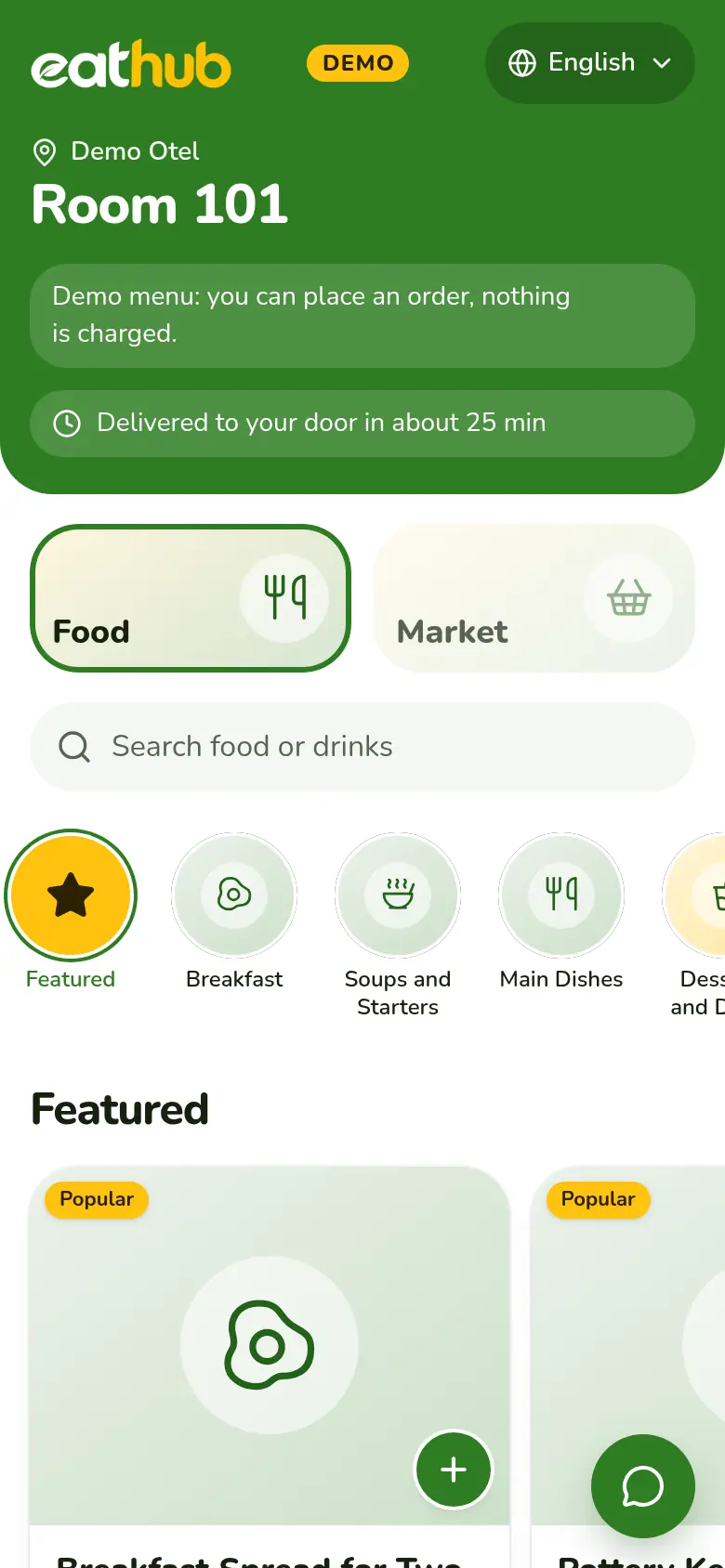
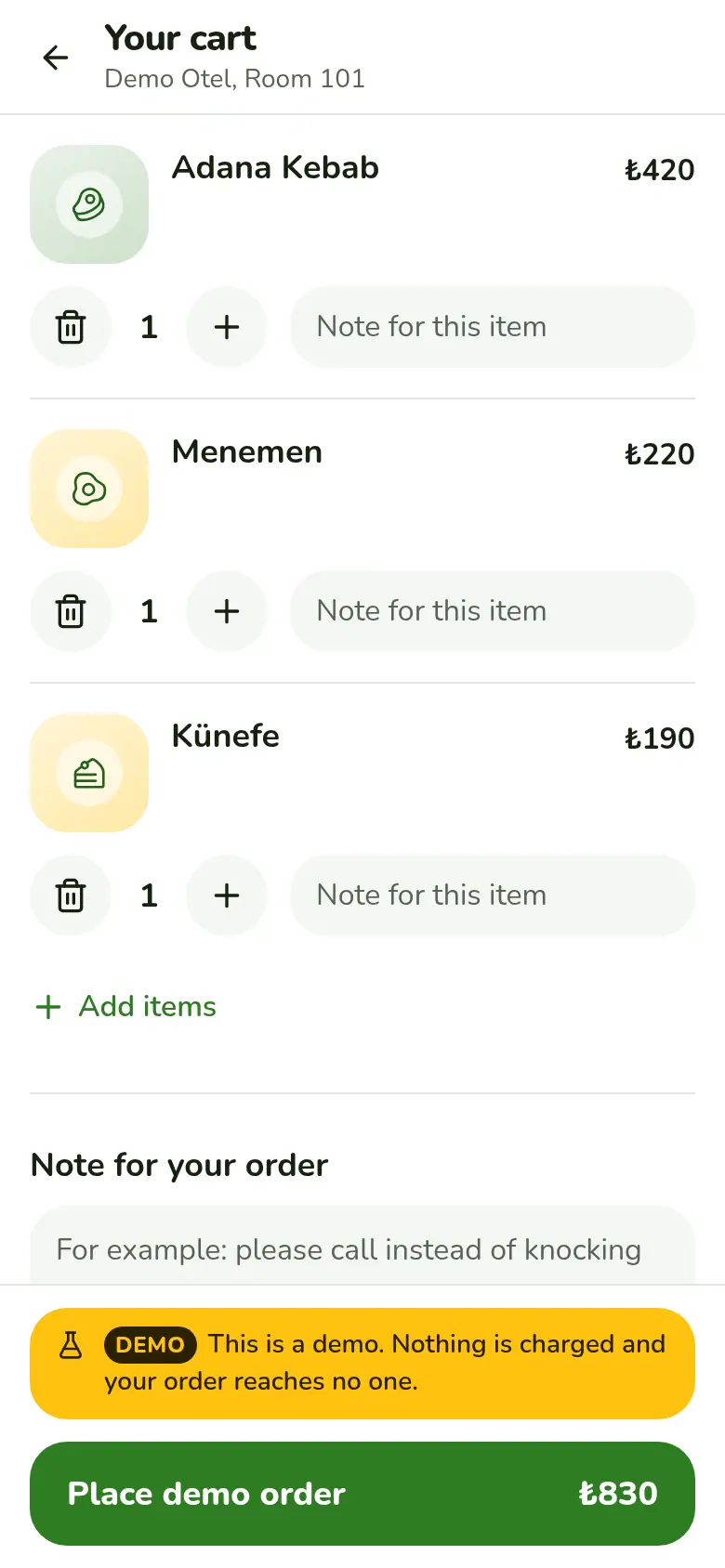
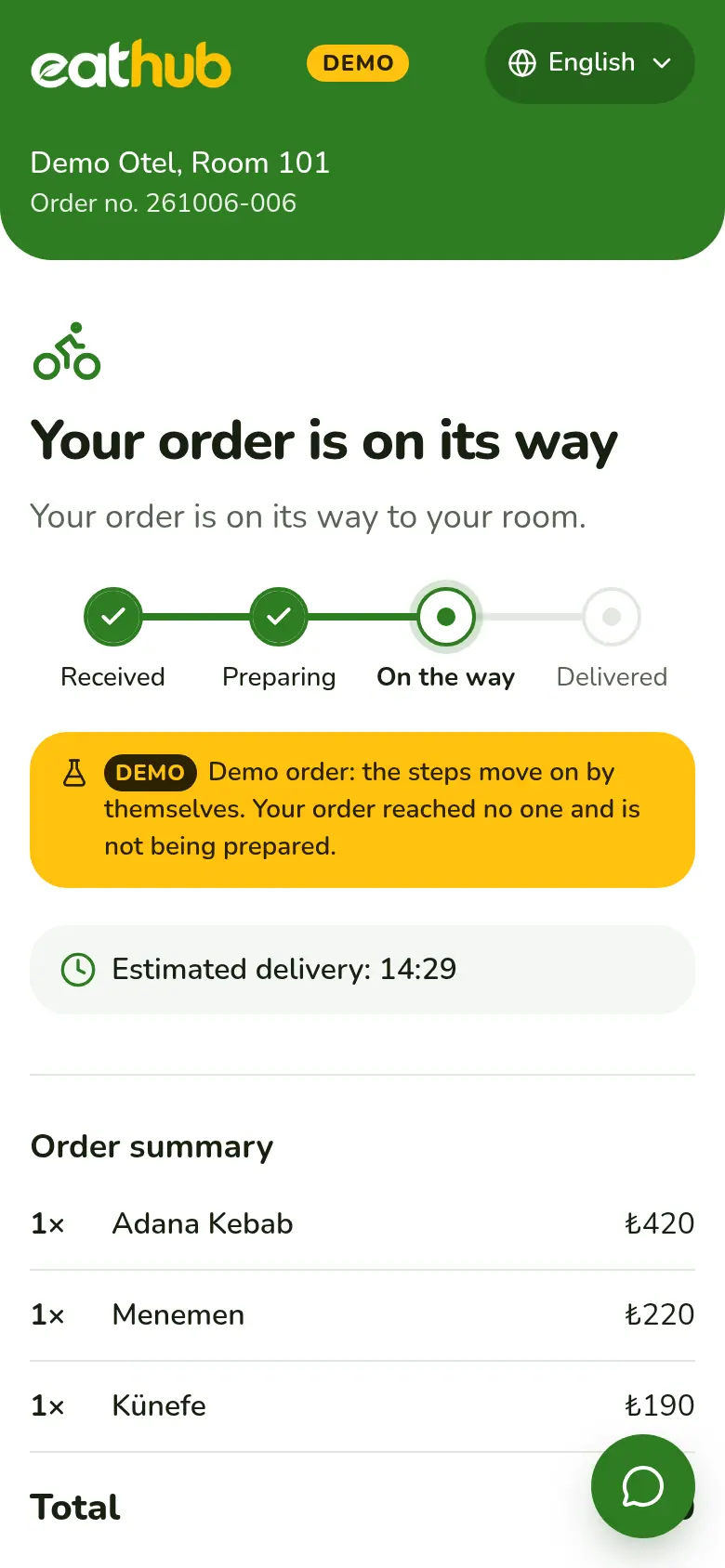
Scan the card in your room
Your phone camera is enough: no app to install, no account to make.
How it works
Your order is on its way in three steps.
Scan the card
Scan the QR card in your room with your phone camera. The menu opens in the browser; no app or account is needed.
Choose and pay
Pick your dishes from the menu and add a note if you like. Pay online by card, or pay cash at the door.
Your order arrives
The restaurant prepares it and brings it to your room. You follow the received, preparing, on the way and delivered steps on the screen.
Secure payment
If you would rather not pay by card online, you can pay cash or by card at the door.
- Paid through PayTR
- Card payments are taken on a secure payment page run by PayTR.
- 3D Secure verification
- The payment is completed with your bank’s 3D Secure verification.
- Your card is not stored
- Your card number never reaches EatHub’s servers and EatHub does not store it.
- Where does your money go?
- The payment goes, through PayTR, to the business that prepares your order. The seller’s name and details are shown in the Pre-contract Information Form before you pay and at the bottom of this page.
Ways to pay
Card, online
You pay by card when you order. Once the payment is verified the order reaches the kitchen; an unpaid order cancels itself after 15 minutes.
Pay on delivery
You pay the person who brings the order, in cash or by card; they bring a POS device. Pay on delivery is not offered at every hotel.
Delivery and service hours
The restaurant prepares your order and brings it to your room.
To your room or your door
The delivery spot is agreed with the hotel: your room door or the front desk. You see it in the cart.
Estimated time
The estimated delivery time shows in the cart and on the order screen. When the restaurant is busy the time grows and the screen says so.
Service hours
Service hours can differ from hotel to hotel. Outside them you can still browse the menu; you can order when service opens.
Live tracking
The screen updates by itself as the status changes; you do not need to refresh the page.
Cancellation and refunds
Your order is freshly prepared, so there is no statutory right of withdrawal. You are still covered in the cases below.
The full cancellation and refund terms- Before preparation
- You can ask to cancel before the kitchen accepts the order; you get the full amount back.
- If it cannot be delivered
- If the restaurant cannot deliver or cancels the order, you get the full amount back.
- Missing or wrong item
- Tell us within 2 hours of delivery in the chat or by phone; the item is sent again or its price is refunded.
- How the refund is made
- The refund goes to the card you paid with and is started within 14 days at the latest. How soon it shows on your account depends on your bank.
Need help?
We answer every question about your order quickly.
Write from the order screen
While your order is open, the “Write to the restaurant” button lets you write in your own language; the restaurant reads it in Turkish and replies.
Phone and e-mail
For anything that is not about an order, you can reach the seller directly.
- Phone
- 0501 488 50 50
- info@eathub.com.tr
Frequently asked questions
All questionsWhat is EatHub?
EatHub lets you order food from a nearby restaurant with the QR card in your hotel room. You scan the card with your phone, read the menu in your own language, pay and follow the order.
Do I need to install an app or create an account?
No. Scanning the card with your phone camera is enough; the menu opens in the browser.
Is EatHub safe?
Card payments are taken on a secure page run by PayTR, with your bank’s 3D Secure verification. Your card details never reach EatHub and are not stored. An order is confirmed only by a verified payment.
Where does my money go?
The payment goes, through PayTR, to the business that prepares your order (the seller). The seller’s name and details are in the Pre-contract Information Form and at the bottom of this page.
Who prepares and delivers my order?
The restaurant prepares it and brings it to your room or to the delivery spot the hotel has set. You follow the preparing and on the way steps on the screen.
Can I pay on delivery?
If the restaurant and the hotel allow it, you can choose cash or POS at the door in the payment step; if you pay by card, the courier brings a POS device.
Can I cancel an order, and how do refunds work?
You can ask to cancel before the kitchen accepts the order and get the full amount back. If an item is missing or wrong, tell us within 2 hours of delivery and it is sent again or refunded. Refunds go to the card you paid with.
Which languages can I use?
The menu and screens open in your phone’s language and you can change it any time. The catalogue has 20 languages; the interface is hand-written in Turkish, English, German, Russian and Arabic.
Who do I write to about my order?
Use the “Write to the restaurant” button on the order screen and the restaurant replies. The phone number and e-mail on the contact page are open too.
Are you a hotel or a restaurant?
To use EatHub at your hotel or restaurant, see the For hotels page.