
Every order in one management panel
Run orders, menu, hotels and couriers from one screen. The panel is in Turkish, and the order board is built for a tablet in the kitchen.
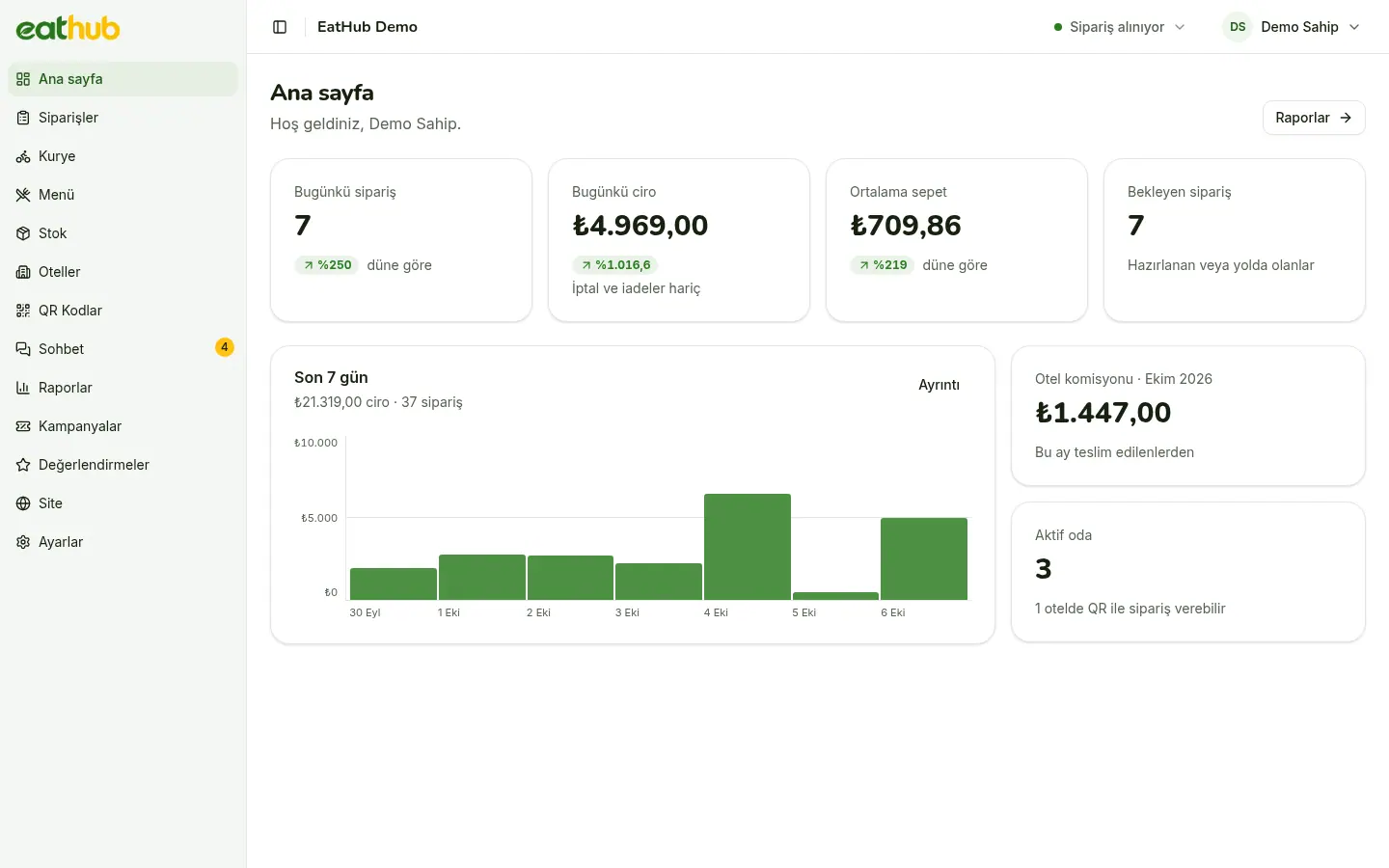
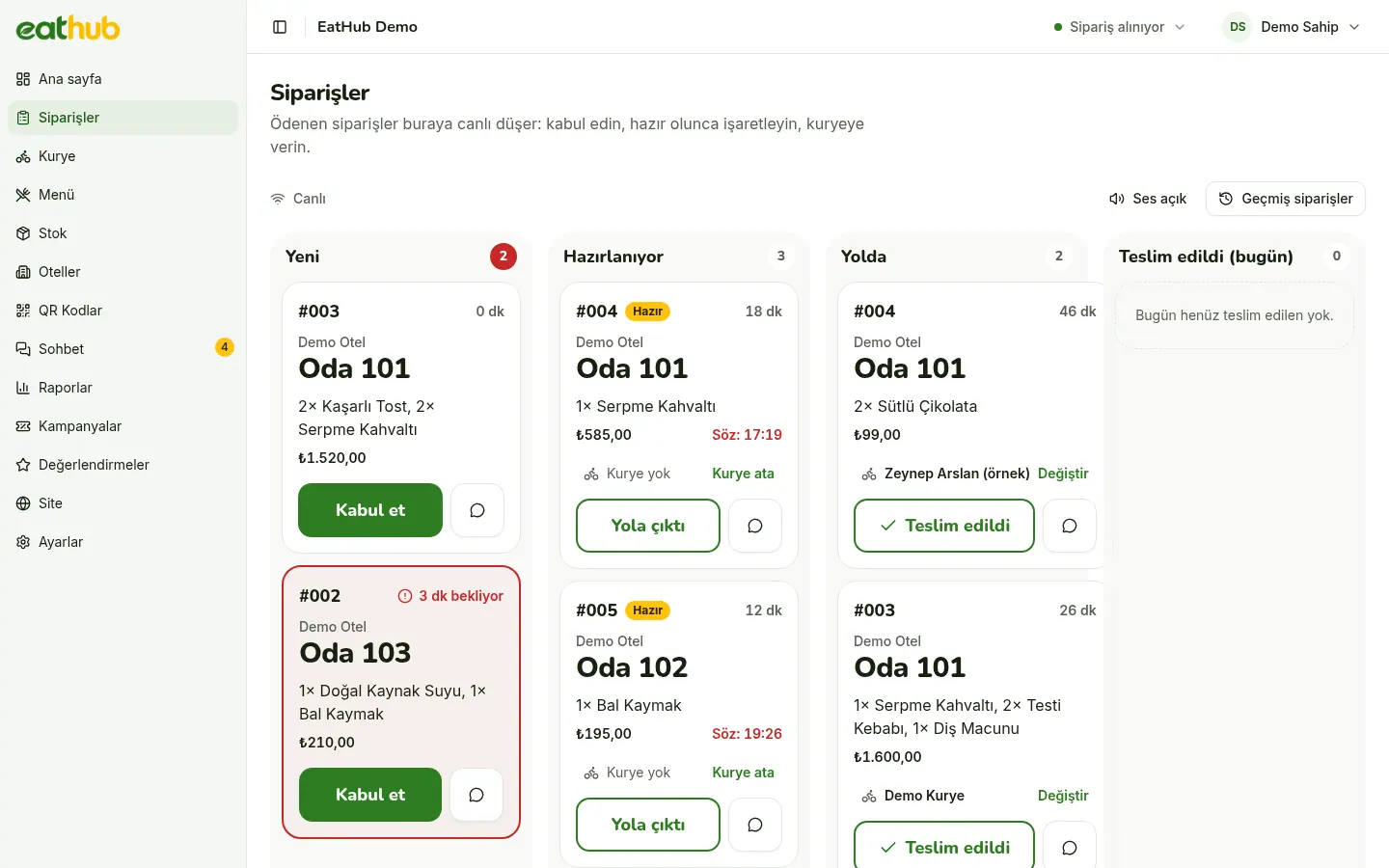
An order board built for the kitchen
An order with verified payment drops onto the board by itself and a sound plays. The card shows the room, hotel, items and the guest’s note; a note written in another language arrives translated into Turkish. The buttons are large and nothing needs dragging.
- When you accept, you pick the preparation time and the guest sees the estimate
- Every step from accepting to delivery is one tap
- When it gets busy, you pause ordering or add minutes to the delivery time
- Cancel, partial refund and reprint the receipt from the order card
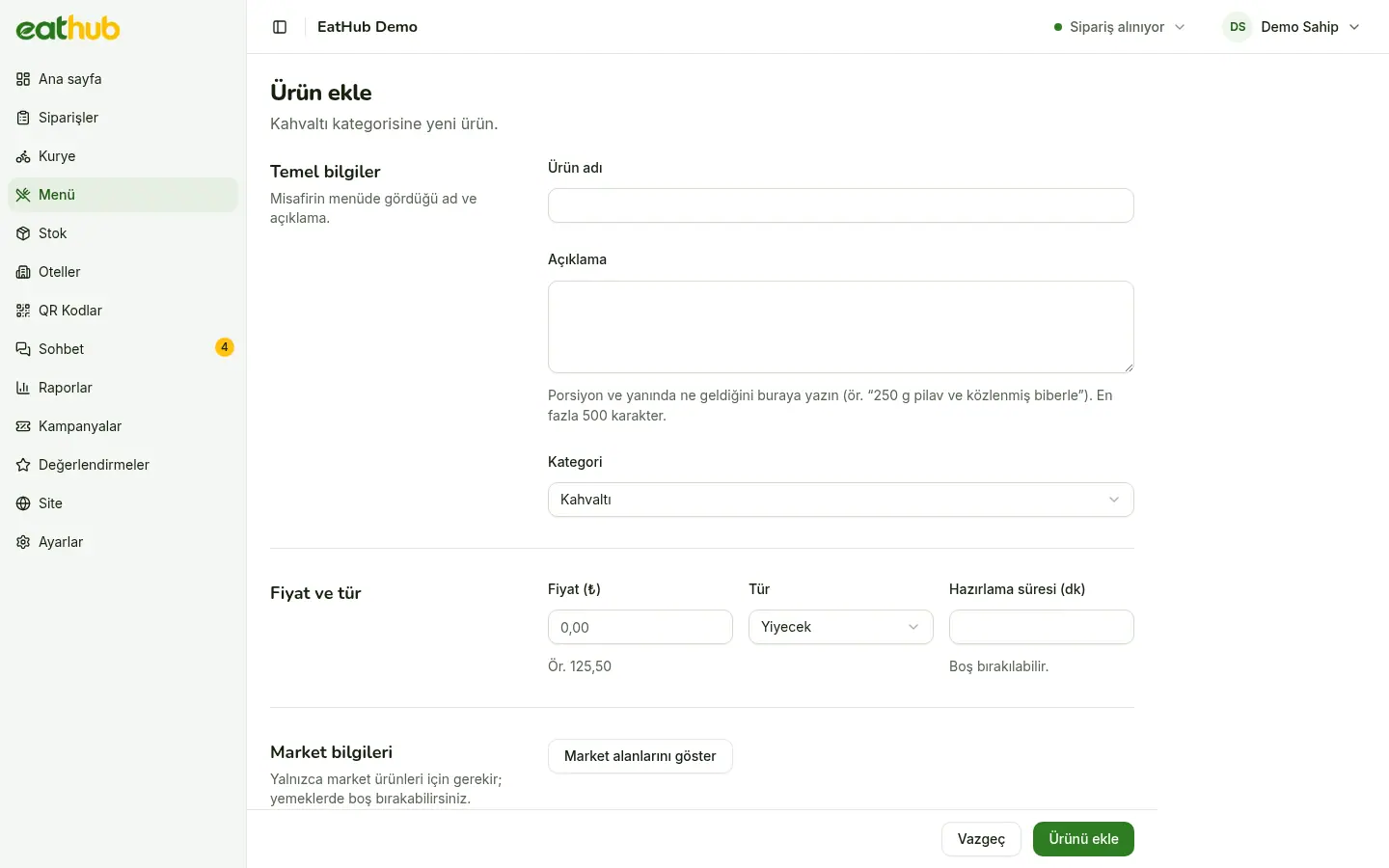
Menu, photos and translation in one place
Name, description, price, photo, allergens and tags go into a single form. When you save, the translations into other languages are prepared in the background, and a translation you correct by hand is kept. You sort categories and products by dragging, and guests see the same order.
- Upload many photos at once and match them to products
- Put a banner above the menu and feature products
- Mark a sold-out product with one switch
- Change the price of several products in bulk
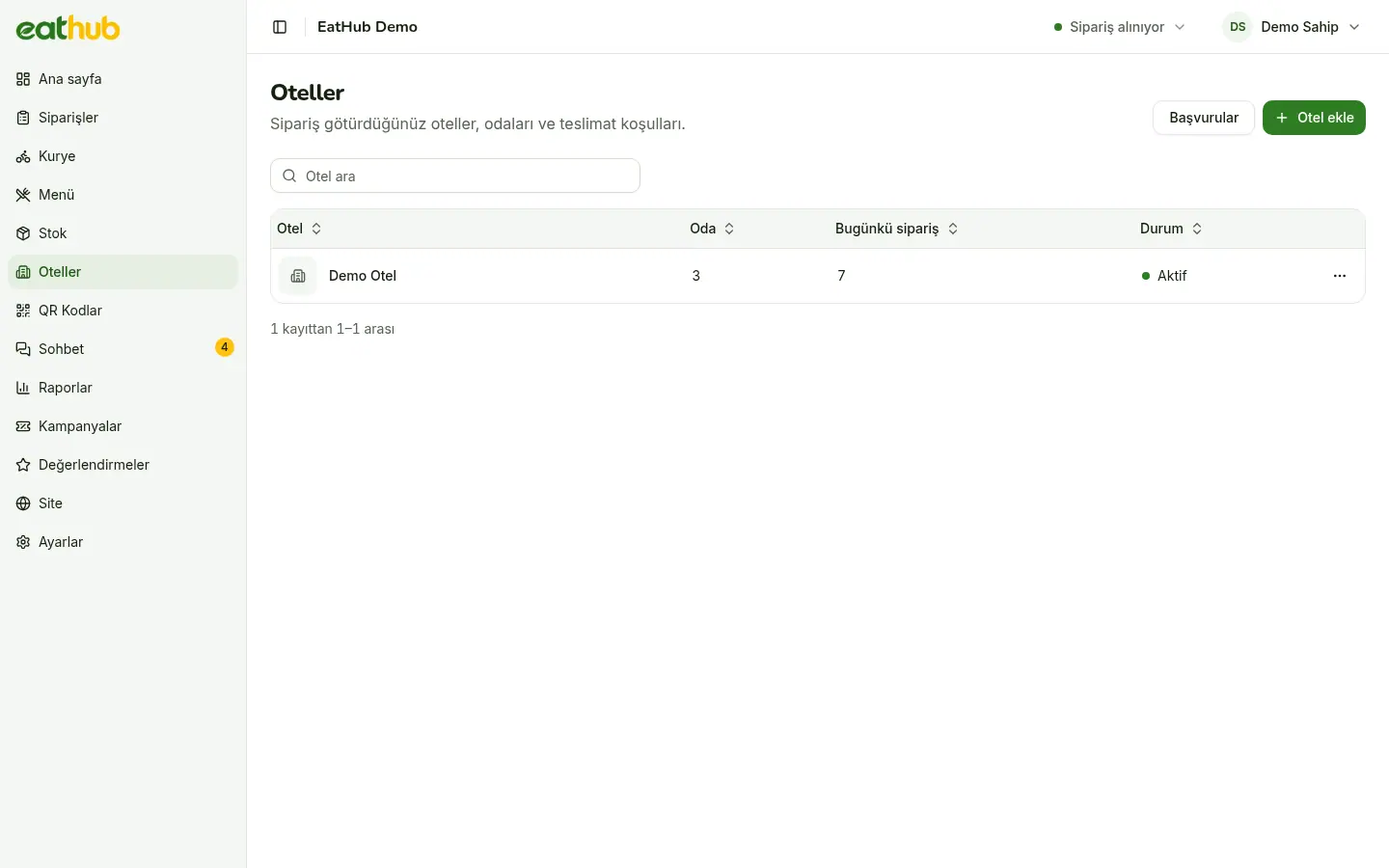
Hotels, rooms and room cards
For each hotel you set the delivery point, estimated time, minimum order, delivery fee, service hours, price difference and commission rate separately. You add rooms one by one or as a range such as 101-120.
- Renew the code of a lost or misused card and the old one stops working at once
- Design room cards in the panel and export them as a bulk PDF
- A hotel you deactivate closes its rooms, and they return as they were when it reopens
Couriers get their own phone screen
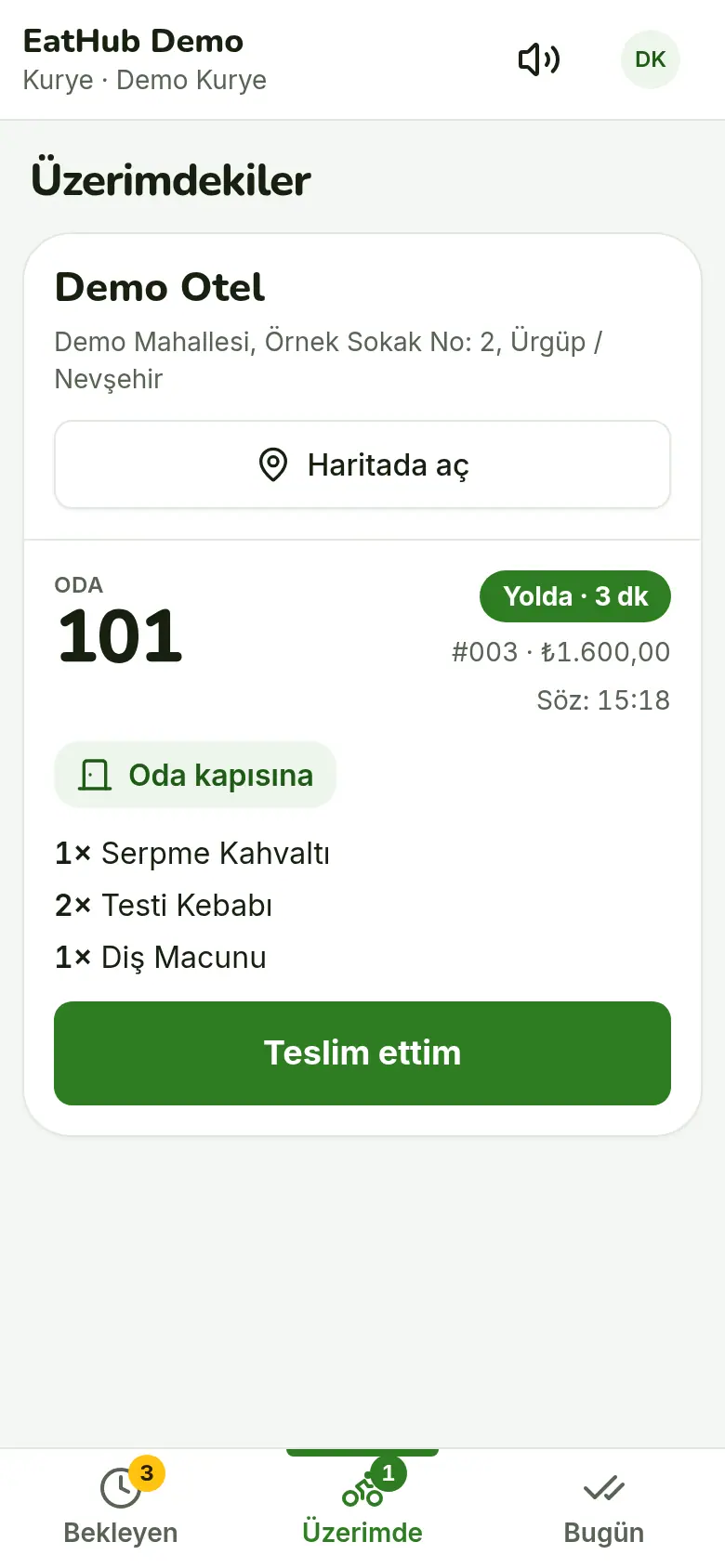
A courier sees only their own screen: they take ready orders, set off, and pick a short note at hand-over. If two couriers tap the same order, the second is told. The guest’s phone number shows only on the courier’s own undelivered orders.
- Take all of one hotel’s orders with a single tap
- The hotel’s map link and a call button for the guest are on the screen
- If you prefer, you assign the order to a courier from the panel
Roles, records and security
- Four roles
- Owner, Manager, Kitchen and Courier: everyone sees only the screens their job needs.
- Audit log
- Who changed what and when is recorded; tap a row to see the value before and after.
- Sign-in security
- Failed sign-ins trigger a waiting period, and changing a password ends sessions on other devices.
- Turkish interface
- The panel is in Turkish; the order board is designed for a tablet and the courier screen for a phone.
Try what the guest sees first
Place a sample order from the demo room. No payment is taken and the order reaches no one.
Common questions
Which devices does the panel run on?
It opens in a browser, with nothing to install. The order board is designed for a tablet in the kitchen and the courier screen for a phone.
Does the hotel have a panel too?
No. The hotel has no panel of its own; it sets up its rooms and room cards together with the restaurant and sees its commission in the monthly statement.
What does kitchen staff see?
The Kitchen role sees orders and their own account, and cannot issue refunds. Menu, reports and settings are for the Owner and Manager.
Are my changes recorded?
Yes. Changes to prices, menu, hotels, users and settings are written to the audit log; passwords are never recorded.
Let us start with your rooms
Fill in the form and we will call you to plan the setup together.