
The menu opens in the guest's language
The restaurant opens languages from a catalog of 20. You write the menu in Turkish, AI translates it in the background, and you correct any line by hand.
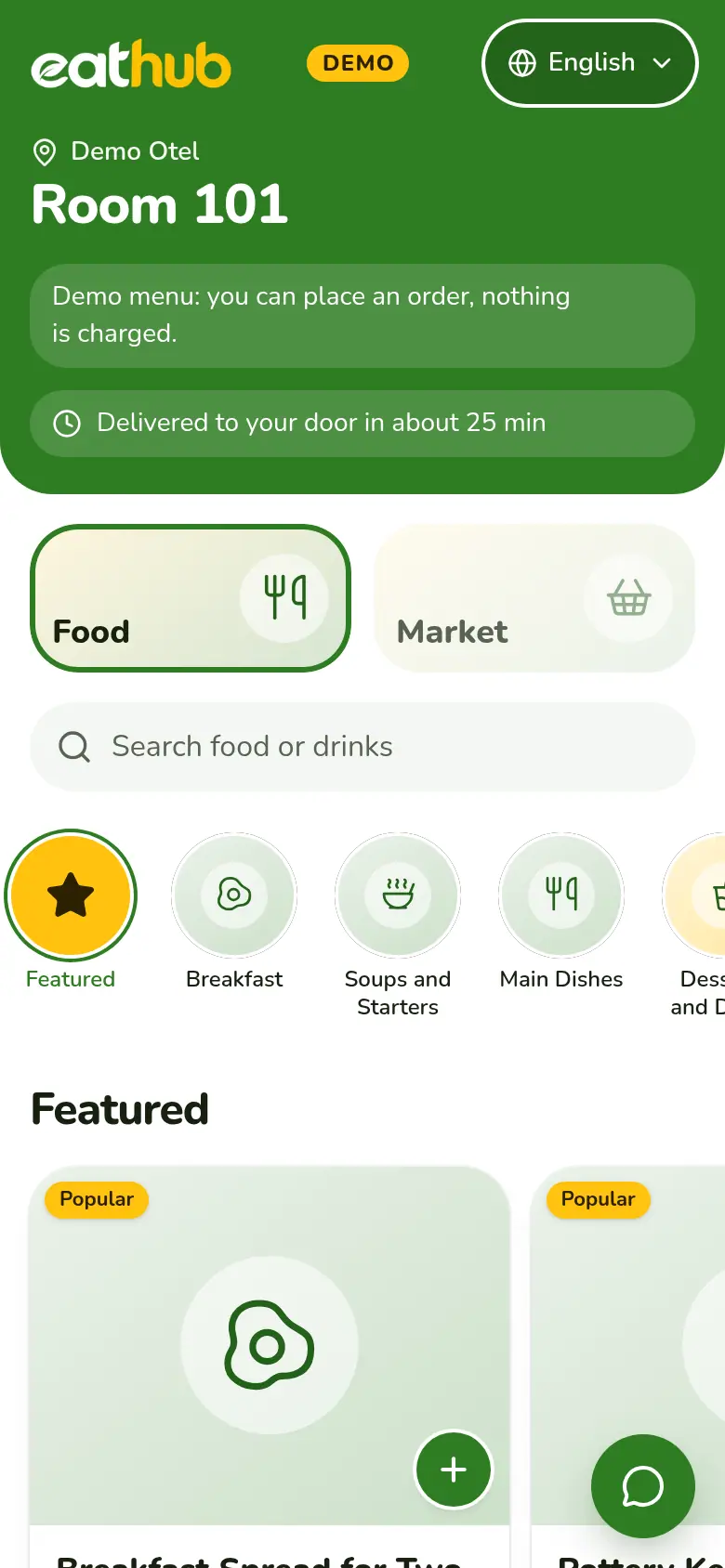
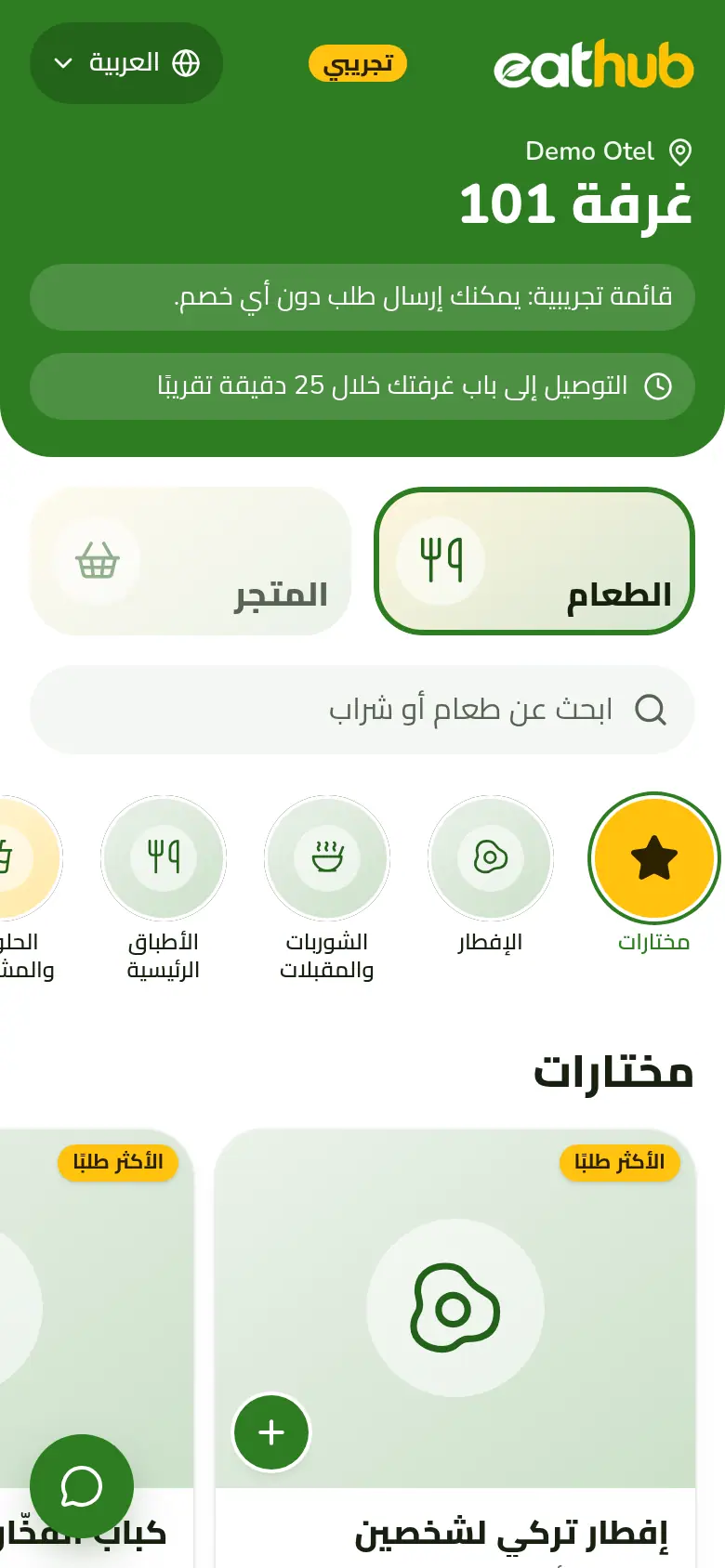
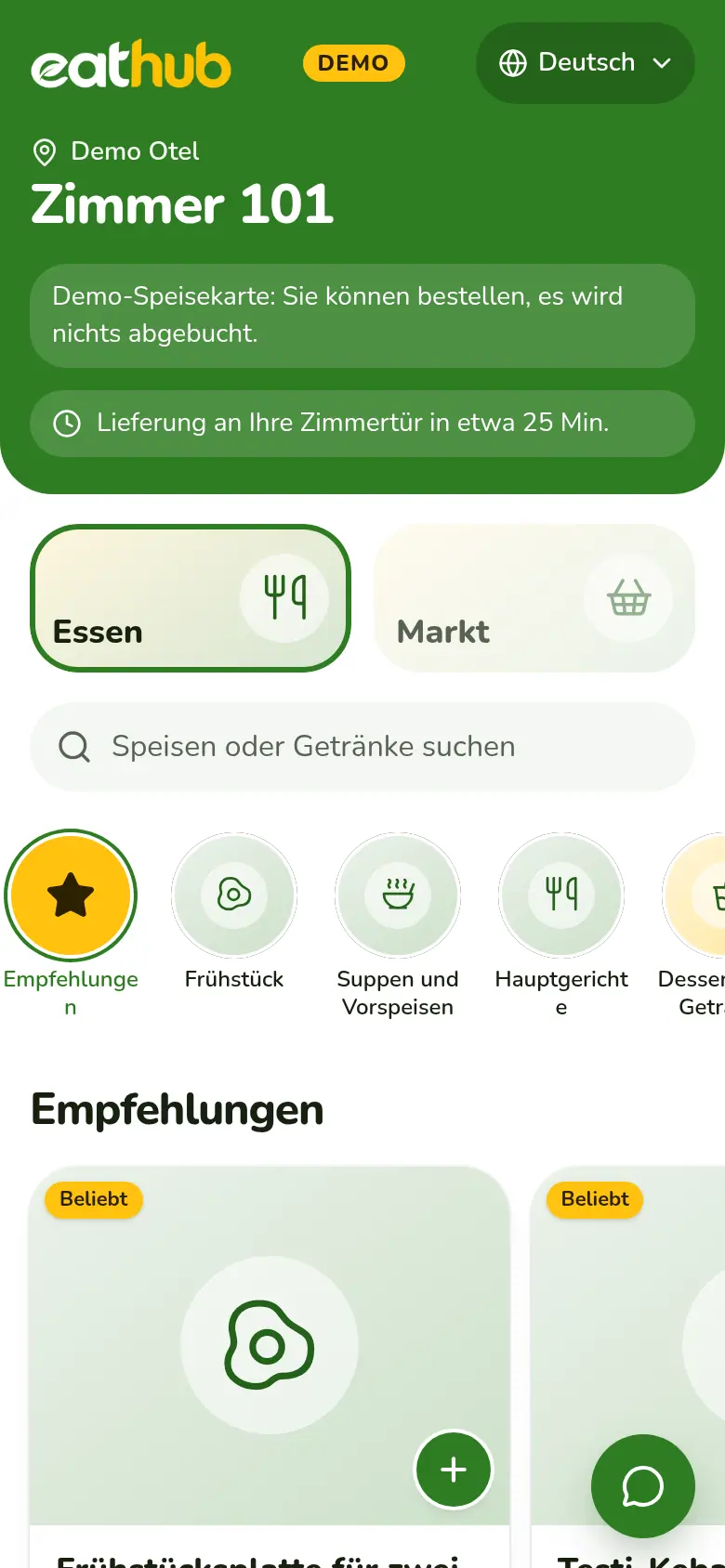
20 languages, each in its own script
The languages the restaurant opens appear in the guest's language picker, each in its own script. If the phone's language is on the list, the menu opens in it the first time; otherwise it opens in English.
- Türkçe
- English
- Deutsch
- Русский
- العربية
Interface written by hand in five languages
We wrote the cart, payment and tracking texts by hand for Turkish, English, German, Russian and Arabic. The interface of other languages is produced by AI and corrected in the panel.
- Buttons, warnings and cart texts in the guest's language
- The interface of a newly opened language is produced in the background
- An interface text you correct in the panel is locked
AI translates the menu in the background
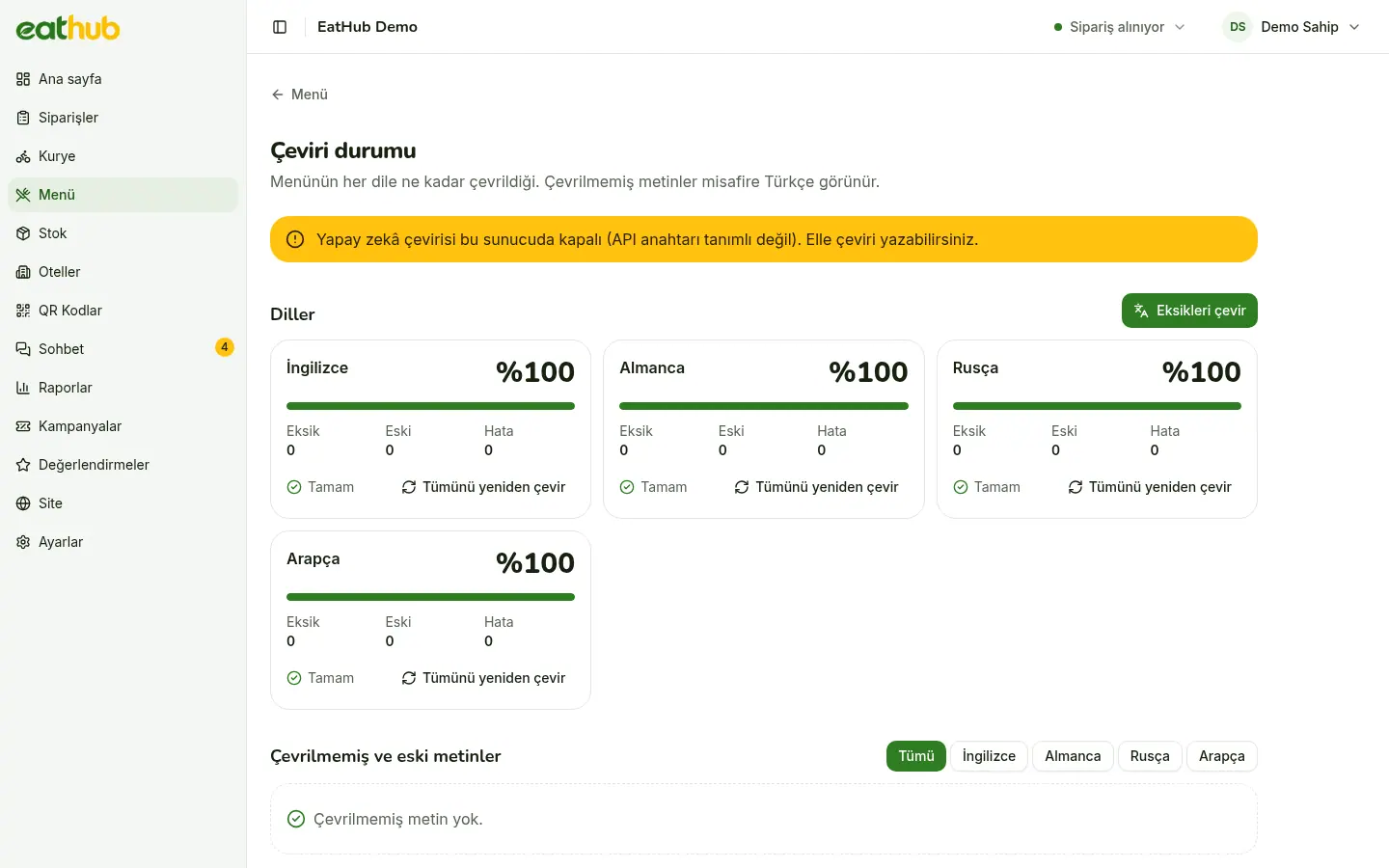
You write products, categories and descriptions in Turkish and save. The translation joins a queue and does not slow the page down. Until it is ready, the guest sees the Turkish.
- When a product name changes, only the changed text is translated again
- Missing and out-of-date translations show on the status screen
- You queue everything missing again with one button
A translation you write is locked
Once you write a translation yourself, AI never changes it. Your text stays in place even when the menu is translated again or a language is added. Words you put in the glossary are taken into account when translating.
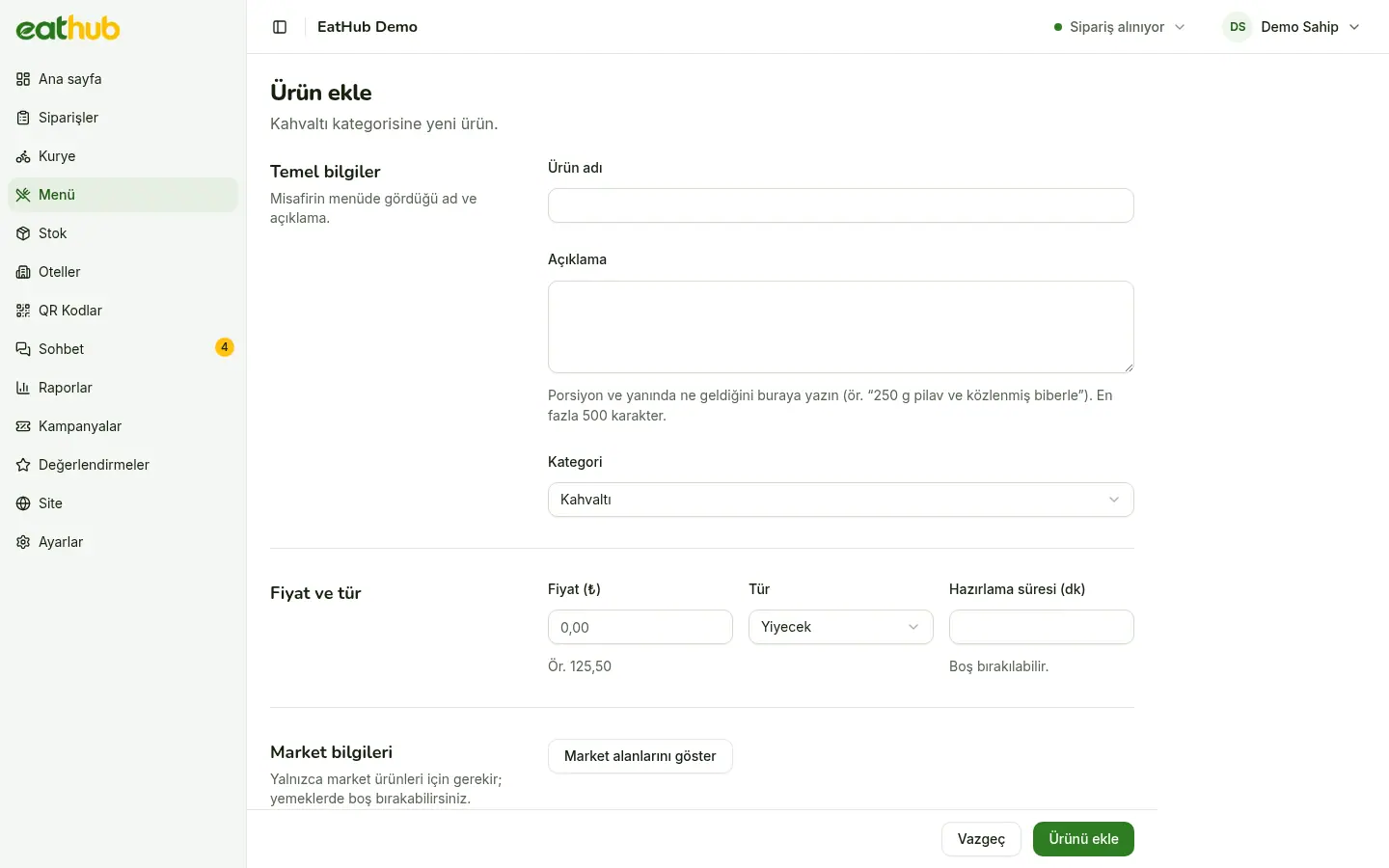
- The product form has a separate translation field for each language
- A hand-written text is never overwritten
- The glossary is for brand and dish names
Right to left, notes in Turkish
- Arabic reads right to left
- When Arabic is chosen, the interface and the menu run right to left. A Turkish product name does not break the line.
- Order notes arrive in Turkish
- A note the guest writes with an order is translated into Turkish. It shows under the original text in the panel and on the kitchen receipt.
- New languages open from the panel
- When you open a language in settings, the menu is translated in the background. Until it arrives, guests see the Turkish.
- Prices look the same everywhere
- Amounts are written with Latin digits in every language, and whole lira show without cents.
Keep the menu Turkish, get it translated
Try the language picker on your own phone in the demo room and read the menu in other languages.
Common questions
Which languages can guests order in?
The ones the restaurant opens from the catalog of 20. The interface of Turkish, English, German, Russian and Arabic is written by hand; other languages' interface is produced by AI.
Does AI overwrite a translation I wrote?
No. A translation you write is locked. It stays as it is when the menu is translated again, when a language is added, or when you run a bulk translation.
Is everything translated again whenever I change the menu?
No. Only the text that changed is translated again. Nothing is sent for text that has not changed.
If a guest writes a note in another language, can the kitchen read it?
Yes. The order note is translated into Turkish and shows under the original text in the panel and on the kitchen receipt.
Let us start with your rooms
Fill in the form and we will call you to plan the setup together.